Three steps
Simple enough to skip the tutorial
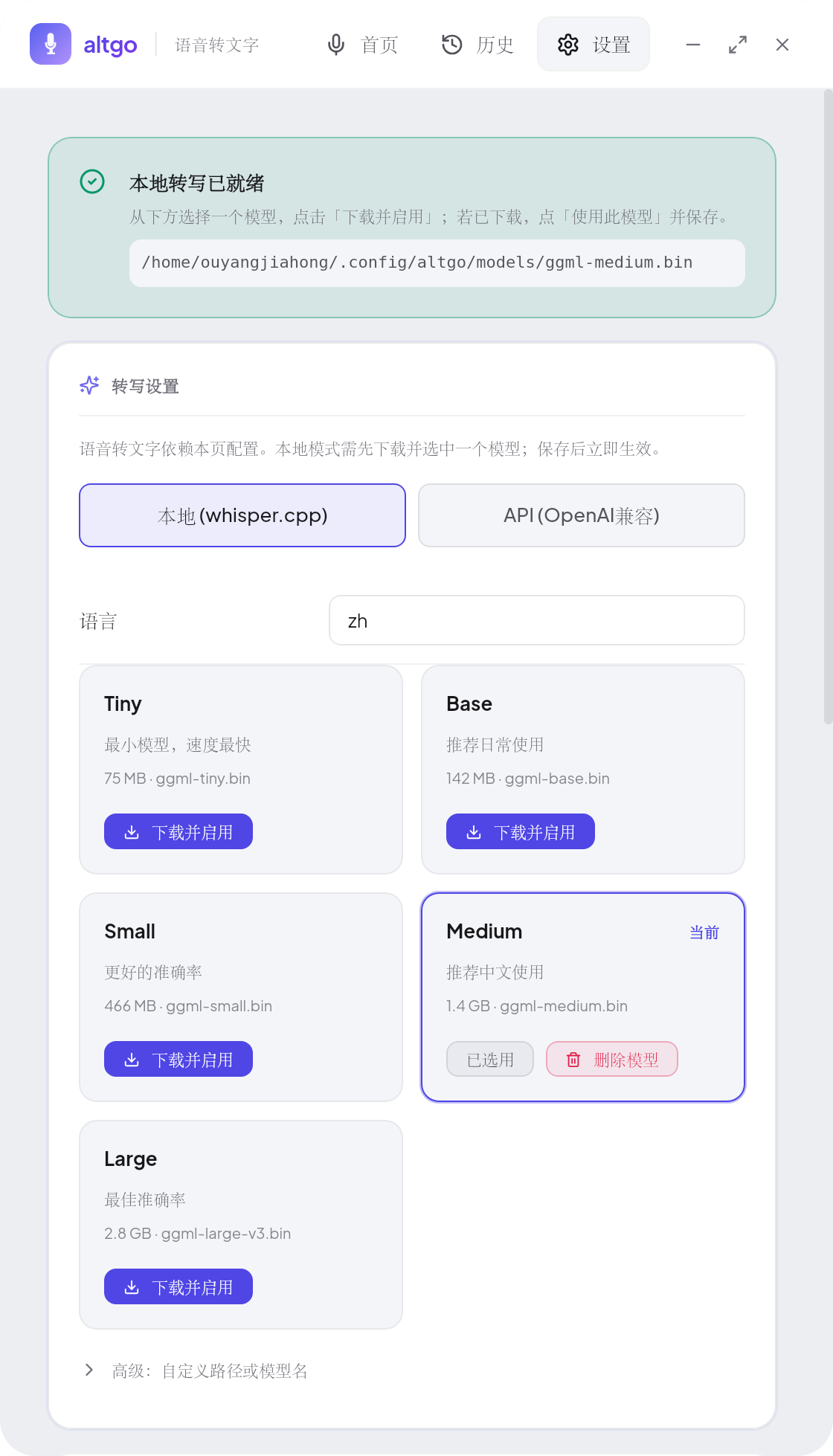
Install and configure
Download the deb, rpm or AppImage, then choose a local model or online transcription in Settings.
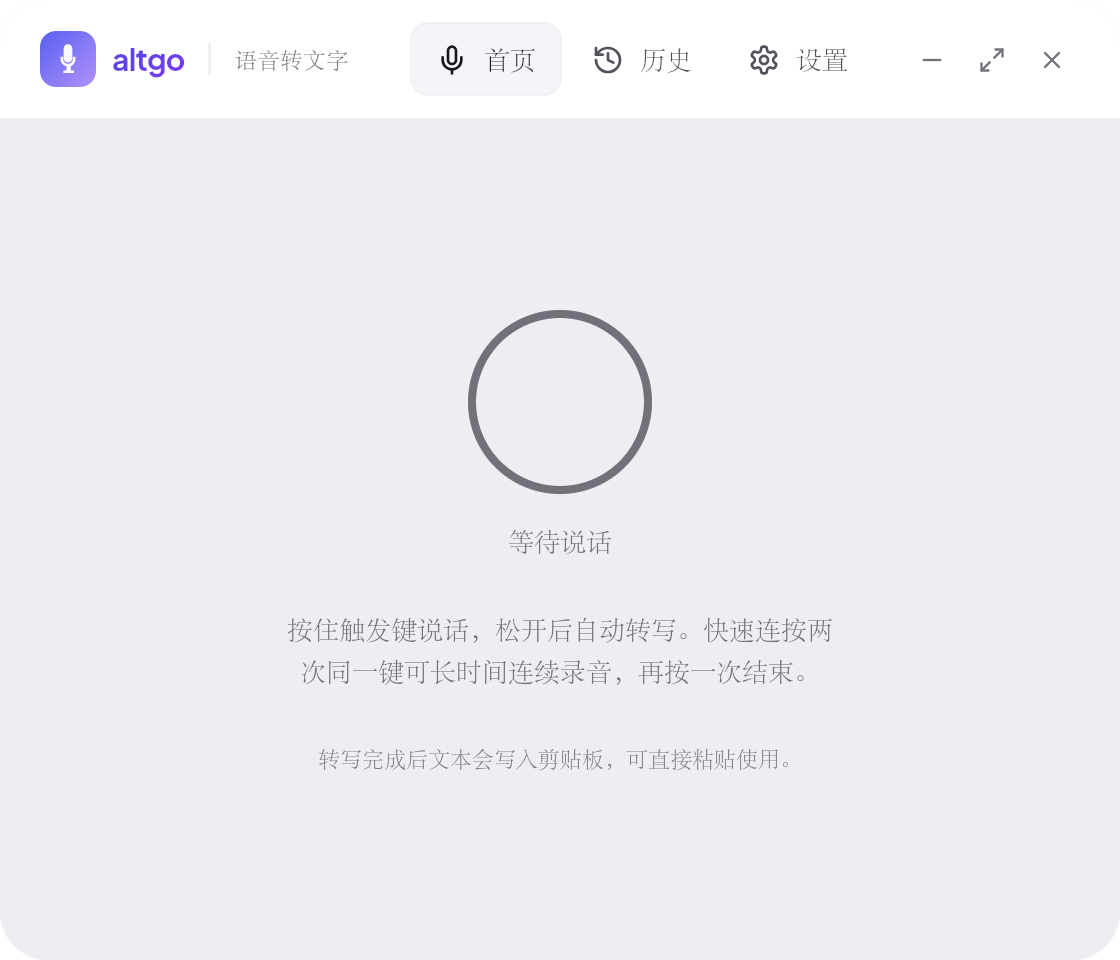
Hold Alt and speak
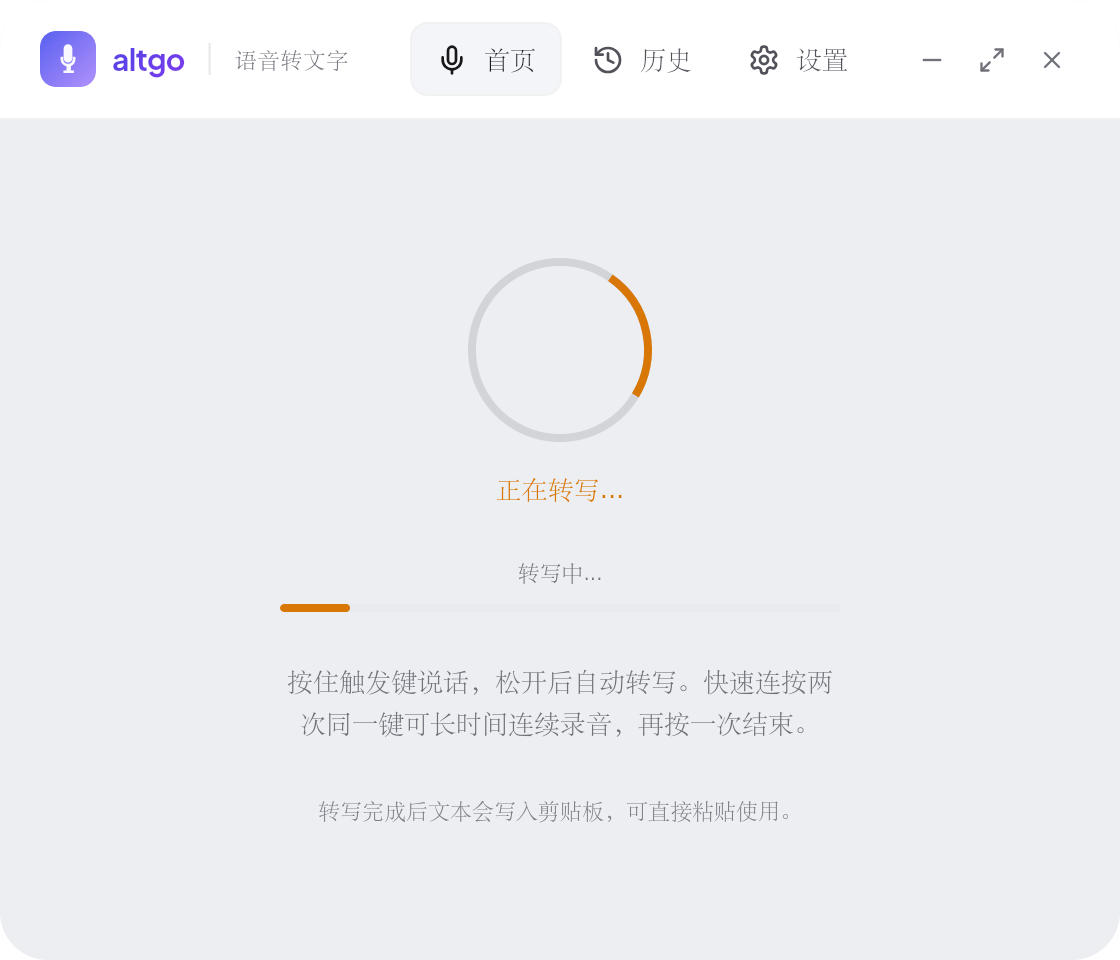
Hold right Alt to record and release to transcribe. Double-press for continuous mode.
Paste anywhere
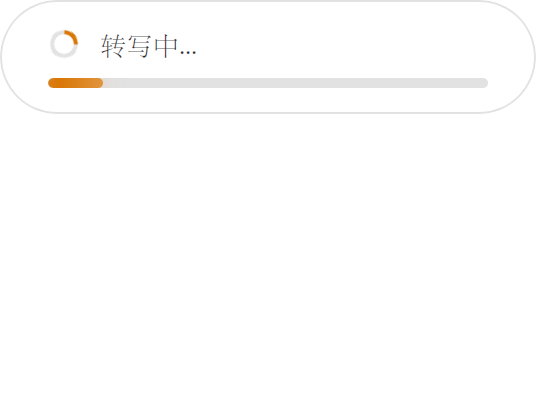
The result is already on the clipboard. Confirm it in the overlay and paste it.
Features
Details designed for daily use
Four platform combinations
Windows and Linux on x86_64 and arm64. The Linux side supports both X11 and Wayland.
Hold to record
Hold right Alt to speak and release to transcribe. No window switching, no interruption.
Continuous mode
Double-press to start continuous recording for long speech or meetings. Single-press to stop.
Local and online transcription
SenseVoice or FireRedASR2 CTC locally, even offline, or switch to online MiMo ASR.
LLM polishing
Four polishing levels, with support for OpenAI, DeepSeek, Anthropic and Ollama.
Clipboard and overlay
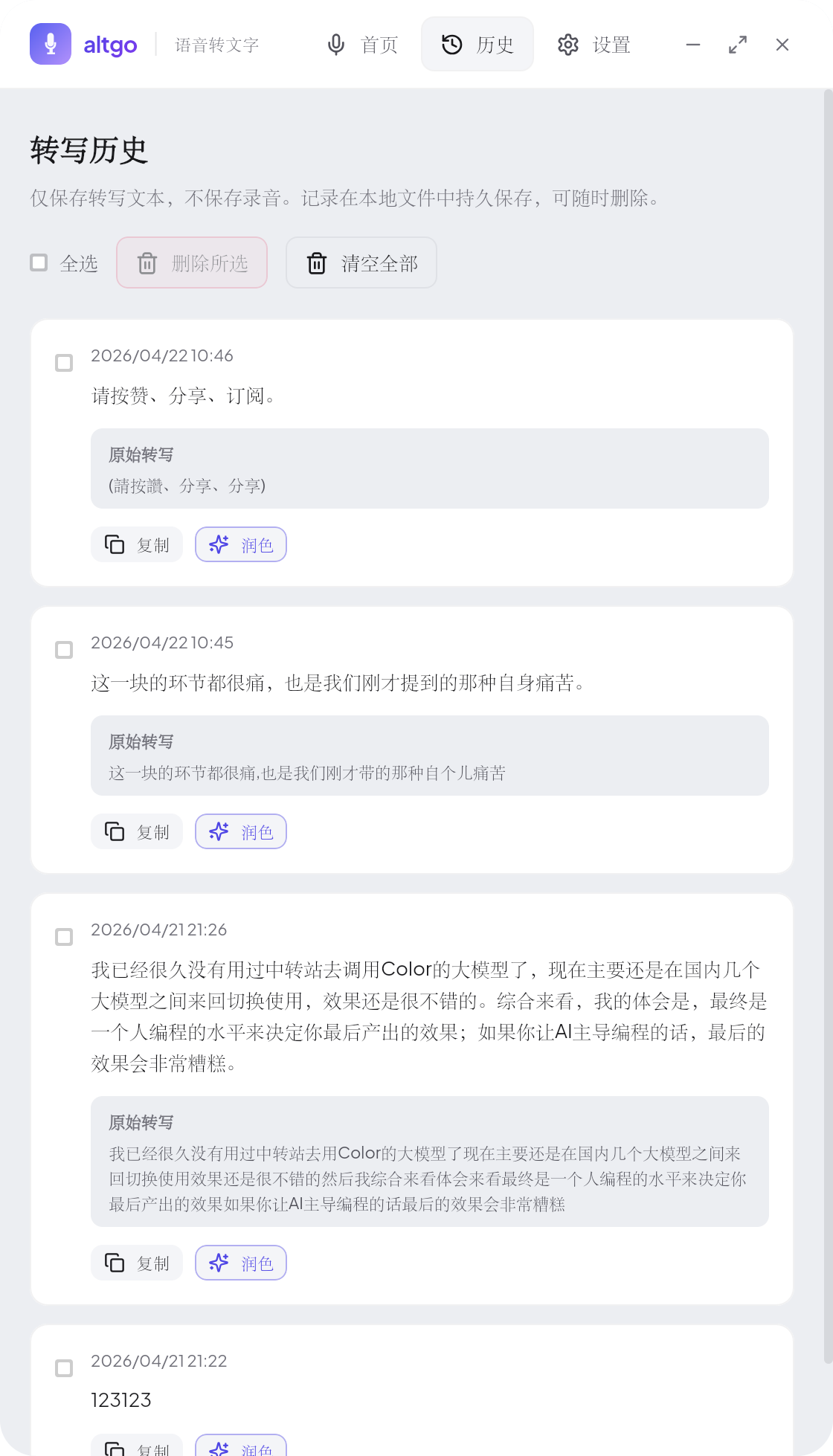
The result goes to the clipboard and appears in the overlay. The full text stays available in history.
Ready to speed up your typing?
Install in 30 seconds and change how you type